
The playground
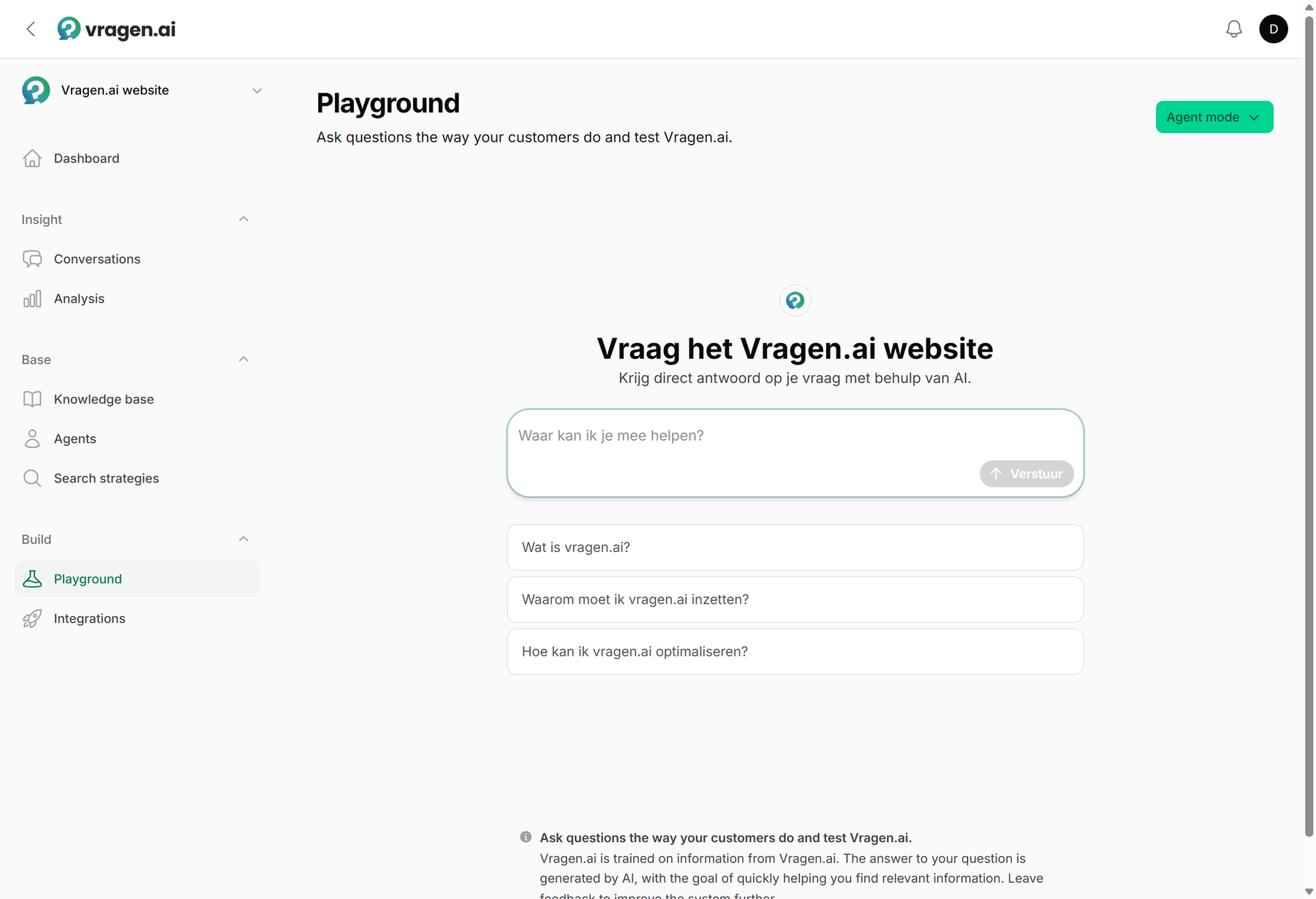
The best way to get to know your agent is to use it. In the Playground you ask questions the way your visitors do, in the real widget with your real knowledge base. What you see here is exactly what a visitor would get; it just is not on your website.
Switch and compare
With the selector at the top right you switch between your environment's variants: Default (the classic question-and-answer system), Agent mode (the reasoning agent) and Search (search results only, no generated answer). Which variants you see depends on what is set up in your environment; with only one, there is nothing to choose and the selector is not shown. Ask the same question in two variants and you see the difference immediately; that makes the decision to move to the agent a lot more concrete.
Your own test setups
Want to test something more specific than the standard variants? Put your own setup in the playground. For an agent you use Add to playground; for an integration you switch on Show in the playground. From that moment your team tests exactly the configuration you are working on, for example a new agent next to the current one, each with its own search strategy. One thing to know: as soon as you add your own setups, they replace the standard variants in the selector. Want to compare the new setup with your current configuration? Add that current one yourself as well.
Every test conversation on record
Test conversations arrive separately: in Conversations they have their own tab, so they do not sit between the real visitor conversations. Every test conversation can be reviewed in full there, with the evaluation scores, the sources used and, if you want, the trace with all intermediate steps. That turns testing into measuring: you do not just get a feel for an answer, you see how it scores. Setting up a structured test round? See Testing and evaluating.
For the whole team
The playground is available to every role, including Annotators. That is deliberate: the more colleagues ask questions the way real visitors do, the sooner you know where your content falls short. So invite the people who handle customer questions every day; they know the questions best. More about roles: Managing users and roles.